CHATCLASH
SUPPORT CENTER

How can we help?

Quick answers for uploads, accounts, payments and Group Universe โ€” or email us directly if something is not working.

DIRECT SUPPORT

support@chatclash.app

For payment issues, account problems, bugs or anything else ChatClash-related.

๐Ÿ”’ Please never send your WhatsApp export, password or payment-card details. Send your account email, what you clicked and a screenshot of the problem instead.
๐Ÿ’ณPayments & unlocksCharged, locked or missing a purchase? ๐Ÿ‘คAccount & loginEmail confirmation, password reset and devices. ๐Ÿ“ฒUpload a chatWhatsApp ZIP/TXT instructions for iPhone and Android. ๐ŸŒGroup UniverseCreate, share or remove your public results page. ๐Ÿ”’Privacy & dataWhat stays local and how to delete your data. ๐Ÿ›Report a bugA screenshot + what happened helps us most.
PAYMENTS & UNLOCKS

Paid, but still locked?

Your purchase belongs to your ChatClash account and the same chat.

1
Log in with the same accountUse the email address you used when you paid.
2
Open or upload the same chat againThe original chat file stays on your device; ChatClash restores the unlock using the group key.
3
Still locked? Email supportSend your account email and a screenshot. Do not send the WhatsApp export.
ACCOUNT

Login and email help

Didn't get the email?

Check spam, verify the address, then request the confirmation or reset email again. Automated ChatClash account emails are sent from noreply@chatclash.app.

New device?

Log in to the same account and choose the same WhatsApp export again. Purchases stay linked; the actual chat is not stored in your account.

Upload help

iPhone
Iphone

1
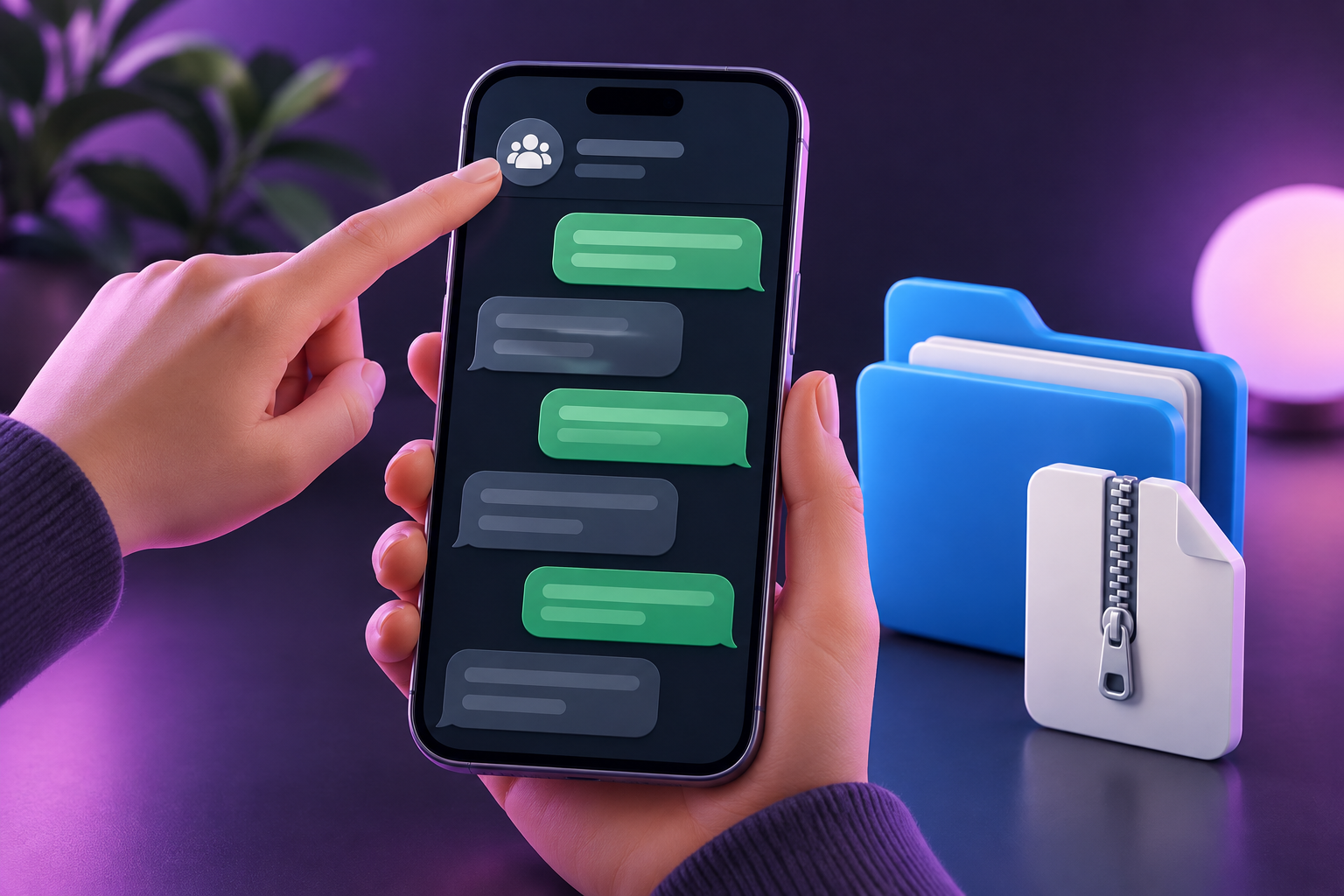
Open the group chatOpen WhatsApp. Open the group you want to use. Tap its name at the top.
2
Choose Export ChatScroll down. Tap Export Chat. Then choose Without Media.
3
Save the fileTap Save to Files. Choose Downloads, then Save. Cannot see the button? Scroll down in the share sheet.
4
Open FilesOpen the Files app on your iPhone. Tap Browse and open the folder where you saved the file.
5
Unzip the fileTap the file ending in .zip once. A new folder appears. Open that folder. Already have a .txt file? You can skip unzipping.
6
Choose the TXT fileReturn to ChatClash. Tap Choose text file. Open the extracted folder and choose _chat.txt. The name may differ: the file must end in .txt.
Samsung / Android
Android

1
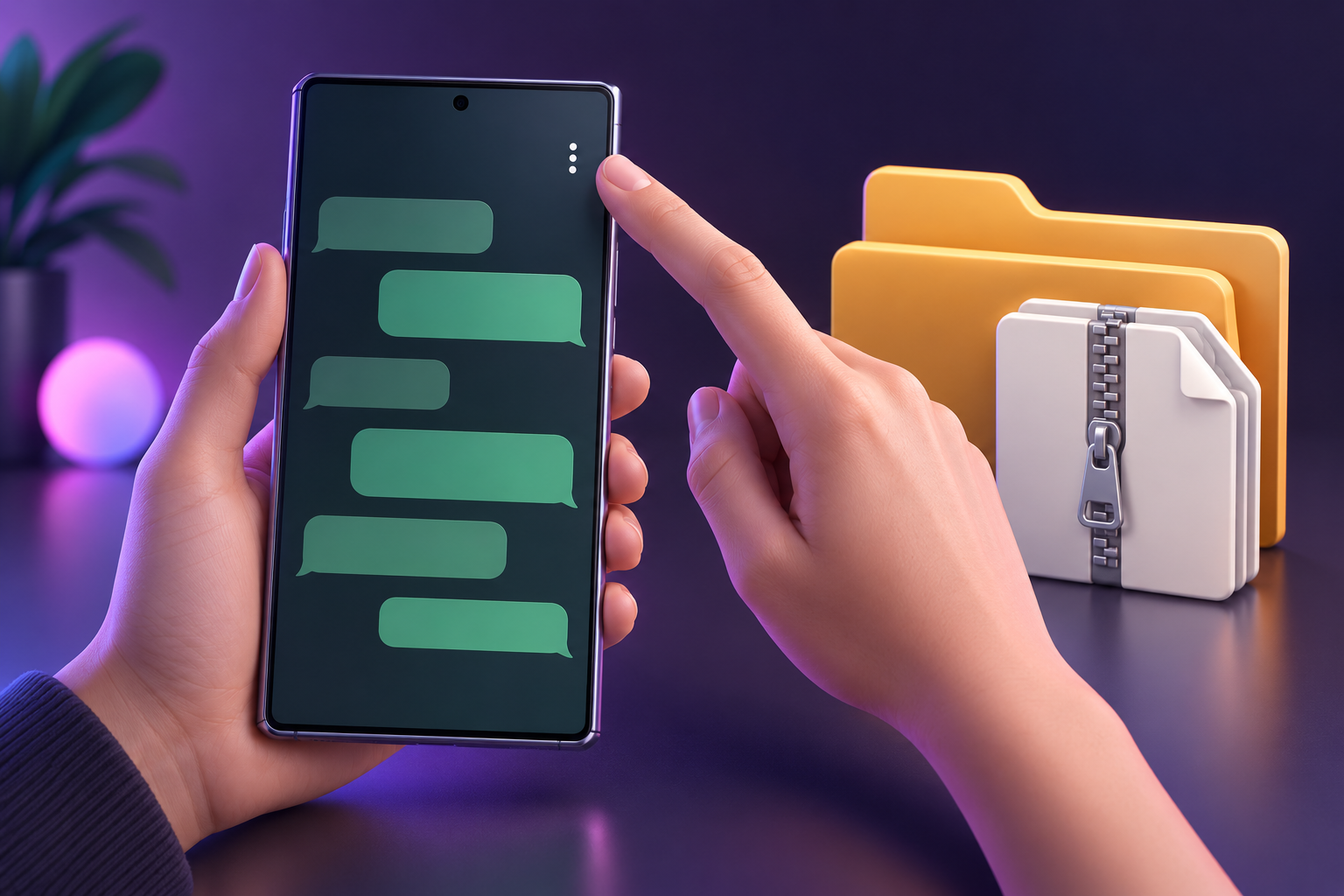
Open the group chatOpen WhatsApp and your group. Tap the three dots โ‹ฎ at the top-right.
2
Choose Export chatTap More. Tap Export chat. Choose Without media.
3
Save the fileChoose an option to save the file. Only sharing apps shown? Save it to your own Drive. Open it there and choose Download.
4
Open My FilesOpen My Files on your Samsung. Tap Downloads. Look for a file with WhatsApp or your group name in its name.
5
Unzip the fileDoes the name end in .zip? Tap the file and choose Extract. Open the new folder. Already ends in .txt? Skip this step.
6
Choose the TXT fileReturn to ChatClash. Tap Choose text file. Open Downloads or the extracted folder and choose the file ending in .txt.

WhatsApp Help ยท Apple: ZIP

GROUP UNIVERSE

Public results without the chat file

Share

Create a Group Universe from your results and share the generated link. Viewers only see the summaries you publish, not the original WhatsApp export.

Remove

Open Group Universe from the same logged-in account and use the remove-public-page option. If an old link still behaves strangely, create a fresh page and email support if needed.

PRIVACY & DATA

Your chat stays on your device

Chat analysis

The WhatsApp export is parsed in your browser. Account, payment, referral and public-share metadata are separate from the full chat text.

Delete data

Privacy policy ยท Data deletion ยท Terms

FAQ

Common questions

Can I use ChatClash before paying?

Yes. ChatClash gives you a preview first. The first unique WhatsApp group is โ‚ฌ1.99 for the full ChatClash bundle (WhatsApp Analyse / Wrapped, Full Roast, Episode Generator, ChatClash Court, awards, stats, scores and share-cards). Every next unique group is โ‚ฌ3.99. Re-uploading a group you already unlocked does not require a new payment.

Can support see my WhatsApp chat?

Not from your normal account or payment data. Please do not email your export to support.

What should I include in a bug report?

Your ChatClash account email, what you tapped, what you expected, what happened instead, and a screenshot. That is usually enough.

Which email addresses does ChatClash use?

Automated account emails can come from noreply@chatclash.app. For help, use support@chatclash.app.